C444 Withdrawal Issues & Easy Fixes
Withdrawing money can sometimes become confusing when a payment does not arrive as expected.C444 users may experience delays, rejected requests, or account-related issues during the withdrawal process. In most cases, the problem comes from incorrect details, verification requirements, payment limits, or temporary technical issues.
This guide explains common C444 withdrawal problems and practical steps users can take to troubleshoot them.
Common C444 Withdrawal Problems
Several issues can affect a withdrawal request. Before contacting support, check the basic details of your account and payment method.
Incorrect Payment Information
Entering incorrect account information is one of the simplest reasons a withdrawal may fail. A single wrong digit in a JazzCash, Easypaisa, or bank account number can prevent successful processing.
Before submitting a request:
- Check your account number carefully.
- Make sure the registered name matches your payment account.
- Confirm that the selected payment method is correct.
- Avoid copying outdated payment details.
Withdrawal Still Processing
Sometimes a withdrawal remains pending instead of being completed immediately. This can happen because the platform or payment provider needs additional time to process the transaction.
If your request shows a pending status:
- Wait for the stated processing period.
- Avoid submitting repeated withdrawal requests.
- Check your transaction history.
- Keep the withdrawal reference or transaction details.
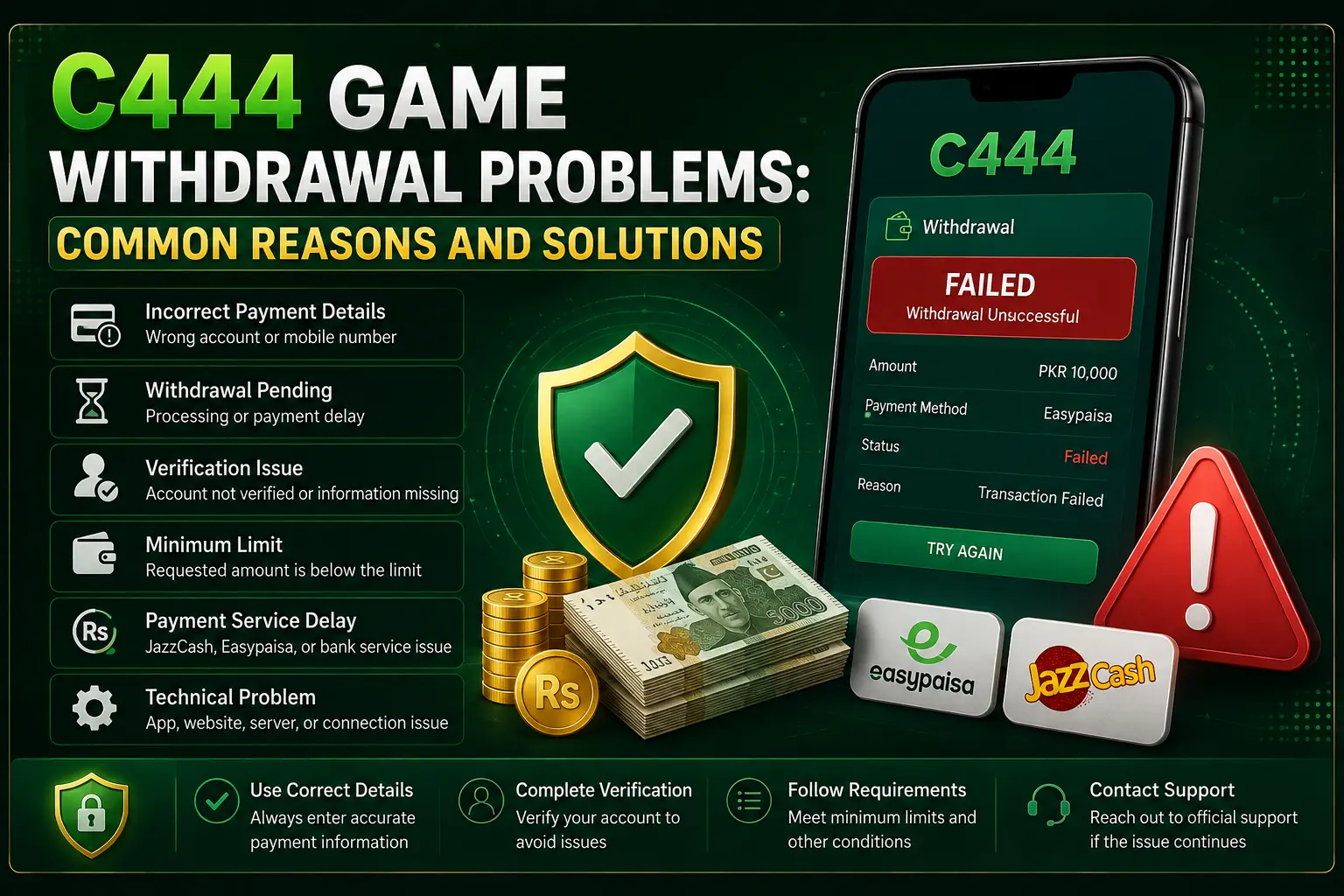
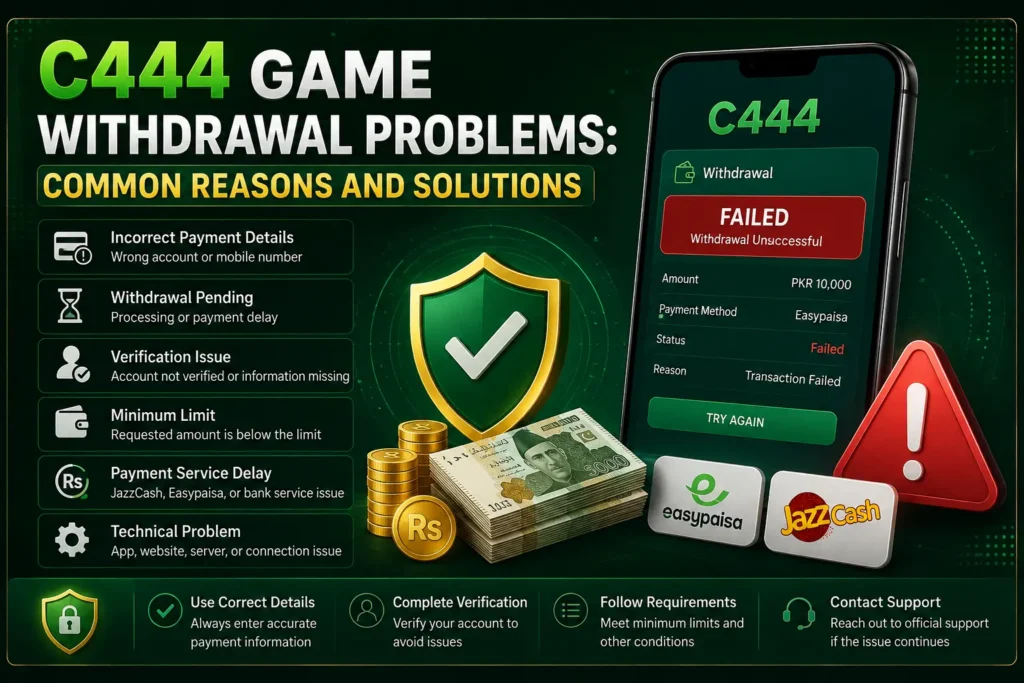
Problems and Solutions
| Withdrawal Problem | Common Reason | Possible Solution |
|---|---|---|
| Incorrect Payment Details | Wrong account or mobile number | Check and correct your payment information |
| Withdrawal Pending | Processing or payment delay | Wait and check the transaction status |
| Verification Issue | Required account information is incomplete | Complete the required verification |
| Minimum Limit | Requested amount is below the allowed limit | Check the minimum withdrawal requirement |
| Payment Service Delay | JazzCash, Easypaisa, or bank service issue | Check the payment service and try again later |
| Technical Problem | App, website, server, or connection issue | Refresh, reconnect, or try again later |
| Failed Withdrawal | Transaction rejected or unsuccessful | Review the details and contact official support |
Account Verification Issues
Some platforms may require users to complete account verification before processing certain transactions. Missing or incorrect information can delay a withdrawal.
Check whether your account requires:
- Mobile number verification
- Identity verification
- Updated account information
- Additional transaction confirmation
Always provide accurate information through the platform’s official verification process.
Minimum Withdrawal Requirements
A withdrawal request may not go through if the requested amount is below the platform’s minimum limit. Similarly, some accounts may have transaction limits.
Before requesting a withdrawal, review:
- Minimum withdrawal amount
- Maximum transaction limit
- Available account balance
- Applicable transaction conditions
Keeping these requirements in mind can help prevent unnecessary failed requests.
Payment Method Problems
The selected payment service can also cause delays. JazzCash, Easypaisa, banks, and other payment channels may occasionally experience maintenance, transaction delays, or service interruptions.
If your payment is delayed:
- Confirm that your payment account is active.
- Check whether the payment service is working normally.
- Make sure your account details are current.
- Contact the payment provider if the transaction was marked completed but the funds are missing.
Technical or Server Issues
Temporary technical problems can sometimes affect withdrawals. An overloaded server, maintenance period, or connection problem may prevent a request from being submitted correctly.
Try these simple steps:
- Refresh the application or website.
- Log out and sign in again.
- Check your internet connection.
- Update the app if an official update is available.
- Try again later if the service is undergoing maintenance.
What to Do If Your Withdrawal Fails
If a withdrawal repeatedly fails, avoid making multiple requests without understanding the reason. First, check the transaction status and account details.
A useful troubleshooting approach is:
- Review the withdrawal information.
- Check your account balance.
- Confirm payment details.
- Look for verification requests.
- Save screenshots or transaction records.
- Contact official customer support if the issue continues.
When contacting support, provide your transaction ID and relevant details without sharing your password, OTP, or other confidential security information.
How to Avoid Withdrawal Problems
C444 Game withdrawal problems and some solution:
- Use accurate payment information.
- Keep your account details updated.
- Follow the stated withdrawal requirements.
- Use only official C444 access channels.
- Keep records of important transactions.
- Never share your password or OTP with another person.
Final Thoughts
C444 Game withdrawal problems can result from incorrect payment details, pending verification, transaction limits, payment-service delays, or temporary technical issues. Most problems can be identified by checking the withdrawal status and account information carefully.
If a transaction remains unresolved, use the platform’s official support channel and provide the relevant transaction details.
Also, remember that online earning and gaming platforms can involve financial risk, so users should only spend money they can afford to lose and should follow applicable laws and age requirements.